preloader
White Balance

Achieve Accurate and Natural Colors

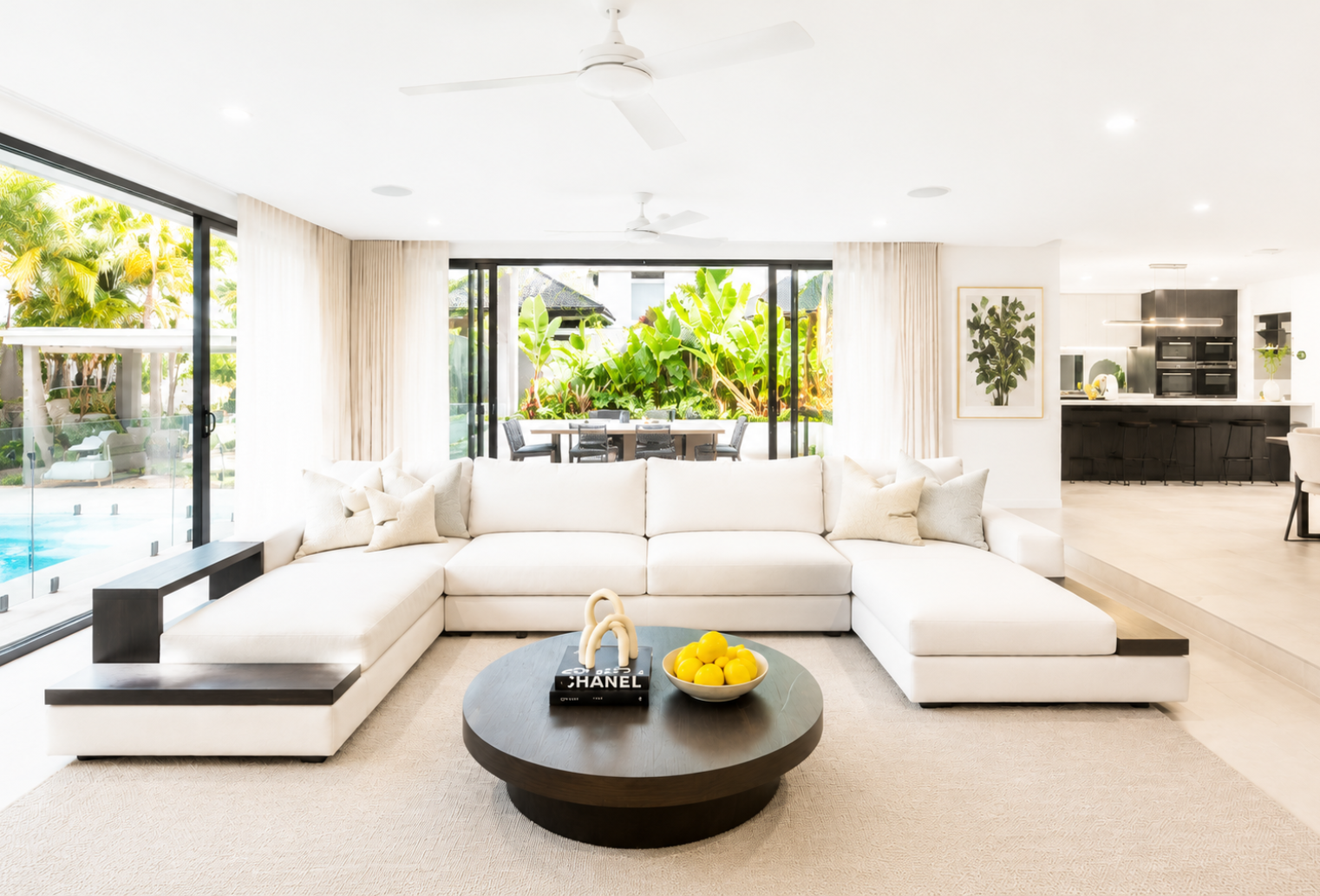
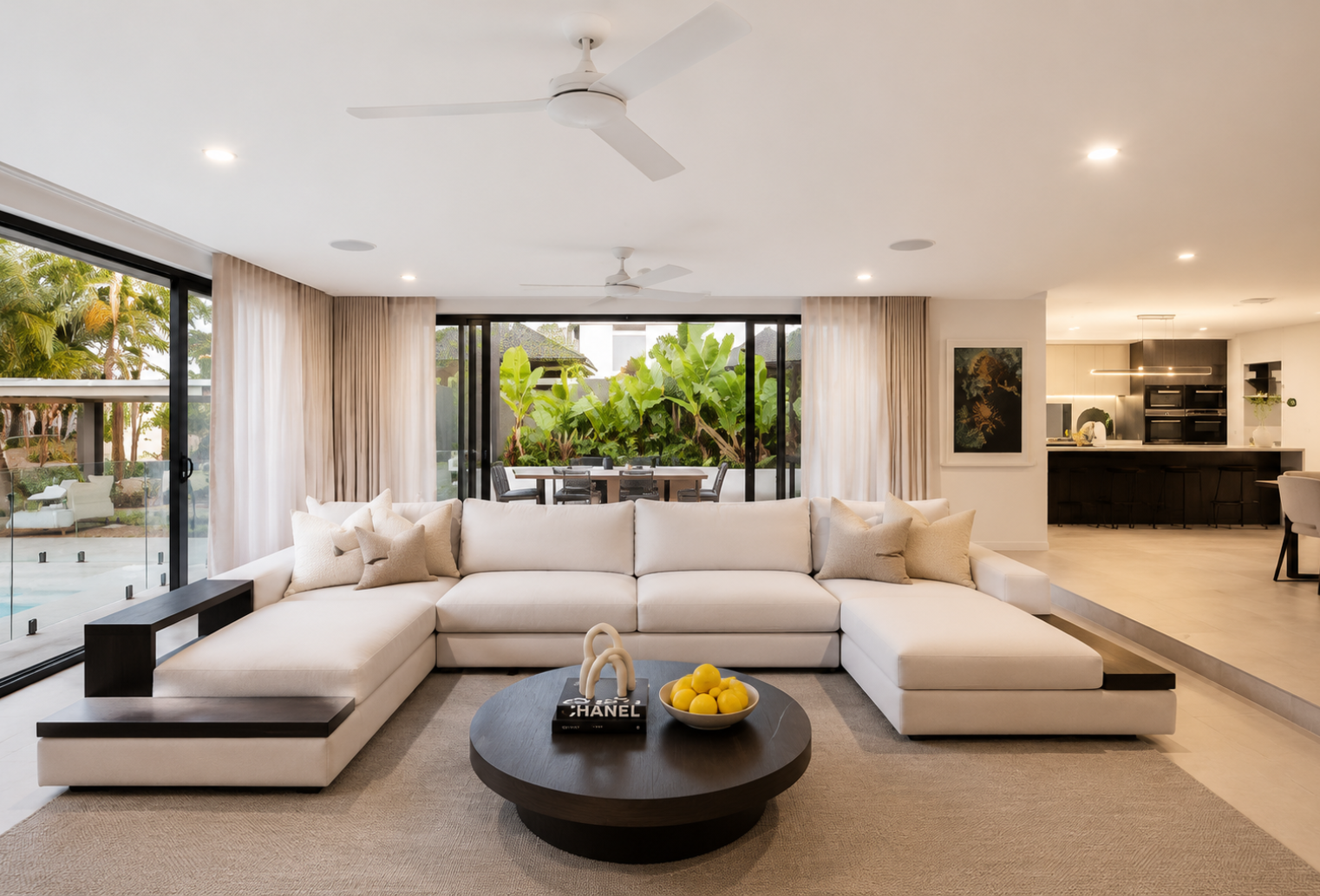
Different lighting conditions can cause unwanted yellow, blue, or orange color casts in property photos. Hitech Images automatically corrects color temperature and balances tones to ensure every room looks clean, bright, and true to life.

Create consistent, professional images that accurately represent the property.

In 3 Simple Steps

How Hitech Images Works

Get professionally edited real estate photos in minutes with our simple AI-powered workflow.

Step 1: Upload Your Photos

Getting started is simple. Upload your real estate photos individually or in bulk through our secure cloud platform. Whether you’re working on a single property listing or managing hundreds of images across multiple projects, Hitech Images makes it easy to organize and process your photos. Supported formats and batch uploads help streamline your workflow, saving valuable time from the moment you begin.

Step 2: AI Enhances Every Image

Once uploaded, our advanced AI automatically analyzes each image and applies professional enhancements tailored specifically for real estate photography. From sky replacement and HDR merging to image relighting, white balance correction, perspective correction, window pulls, and color optimization, every adjustment is designed to showcase properties at their best.

Step 3: Download Listing-Ready Images

Once you’re satisfied with the results, download your professionally enhanced images in high resolution. Every photo is optimized for MLS listings, property websites, digital advertising, social media campaigns, brochures, and virtual tours.

Ready to Transform Your Real Estate Photography?

Join photographers and real estate professionals who use AI to deliver stunning property photos faster than ever.